
WRONG WAY! WIKI

WRONG WAY! Wiki/Getting Started

— GUIDES

WRONG WAY! Controls and Driving Basics

Last checked: · Sources for this guide

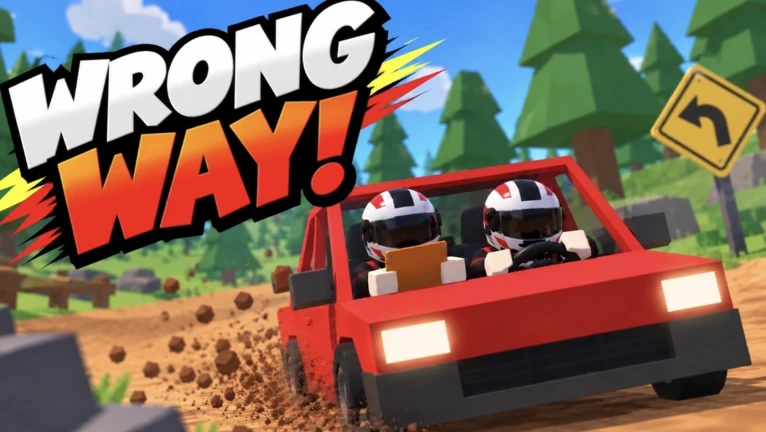
WRONG WAY! Controls and Driving Basics — WRONG WAY! gameplay

WRONG WAY! uses distinct driver and navigator roles. Controls may change with updates or platform, so check the in-game prompts first.

Check the in-game control hints

The creator gameplay video linked below shows keyboard hints for driving, nitro, slap, horn, camera, recovery, and looking back. Treat those labels as a capture of that video’s version, not a guaranteed current control map.

Drive smoothly and call early

Use the game’s on-screen prompts for the current bindings. The co-driver should read the next cue early enough for the driver to react; a short clear call is more useful than a long explanation during a turn.

Official source

The official Roblox listing is the source for the game features described here. See the source link below.

Sources for this guide

About & editorial policy

WRONG WAY! WIKI

WRONG WAY! FAQ

Quick answers based on the public game listing.

Where can I play WRONG WAY!?

Play the official Roblox experience by Fried Brain Studios. Use the Roblox page linked in this guide.

Do I need a microphone for co-op?

No. The official description says quick calls cover corners without a microphone.

What do the driver and co-driver do?

The driver steers. The co-driver reads pace notes, calls turns, and can pull the handbrake.

Can I play alone?

Yes. The public description mentions a robot co-driver with five voices or a robot driver. It does not describe the differences between those voices.

Are there active codes?

The official description reviewed here does not list codes. Check the current Roblox experience and developer-linked announcements; this site does not invent code lists.